How to create Amazon Ads - Headline Ads Part 2
AMAZON AD's
>>Add Keywords and Bids

Here you will see 3
options:
Use Suggested Keywords or
Enter your own keywords: enter around 30-40 keywords
Choose phrase or
exact match and enter the bid CPC(the highest amount you are willing to pay for
a click).
Upload Spreadsheet
>>Create Your Ad

Enter Headline Text which is most relevant to the
product.
Avoid using
unsupported claims like “#1” or “Best Seller”
Change Brand Name that appears on your Ads.
Now choose image
or upload image or Logo for the product.
Note: image should be
atleast 100 X 100 pixels and all text is legible.
In the end, Click on Submit your campaign.
Ad is approved within
24 Hours but may take 3 business hours.
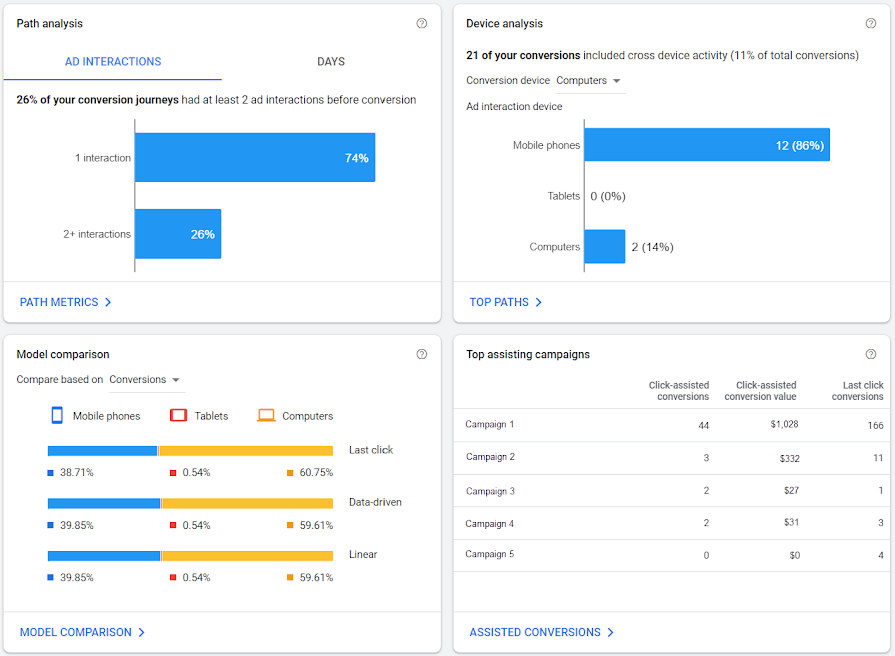
Finally you will see all the Performance
metrics, and optimize accordingly.

Enjoy Learning!

Comments